Which model when
Learn the fast, balanced and heavy model tiers, pick your default, and know when to go heavy.
Day 14 of Prompting Path, a 30-day AI course with one 10-minute lesson and one real task a day. It is a free preview from the full path.
The lesson
Bigger isn't always better. Most AI tools now offer multiple models, fast/cheap, balanced, and "smart but slow".
Rules of thumb:
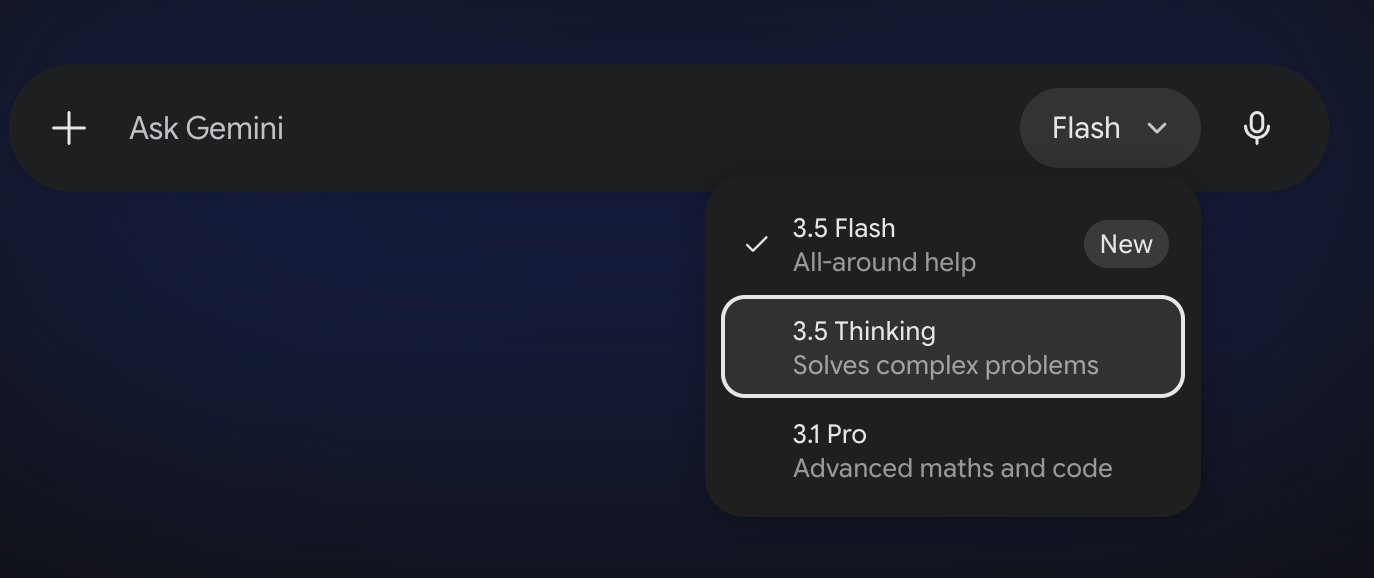
- Fast (Claude Haiku, ChatGPT's Instant mode, Gemini Flash): quick edits, chat, simple writing, summarisation.
- Balanced (Claude Sonnet, ChatGPT's standard setting, Gemini Pro): the default for most real work.
- Heavy (Claude Opus, ChatGPT's Thinking and Pro modes, Gemini's Deep Think): deep research, hard reasoning, complex code, creative drafting from scratch.
The names shuffle every few months; the tiers don't. Whatever the labels say when you read this, every tool has a fast one, a default, and a deep thinker.
Microsoft Copilot hides the model behind a simpler switch: look for "Think Deeper" or a smart/reasoning toggle when a question needs more care. Same idea, fewer menus.
Want the full mapping of tasks to models? We wrote a cheat sheet for exactly this: You don't always need the biggest AI model. Bookmark it.
On free vs paid: free tiers are fine for learning. If you're hitting limits or using AI for hours a day, £15–25/month buys the smartest models, file uploads, and projects. The rest of this program assumes you can upload files.
Today's task is in the app
Every day ends with a small, real task and a tip, and they live in the app. Pop in your email once and every free day opens up, with your progress saved as you go. It works with Claude, ChatGPT, Gemini or Microsoft Copilot, and the free tiers are enough.
Open Day 14's task → See all 30 days